Put AI and your data to work, safely
Practical AI training for your team, and data analysis that turns the numbers you already have into decisions. Plain English, real examples from your own work, and GDPR in mind from the start.
AI training for your team
-
AI essentials
What assistants like ChatGPT, Microsoft Copilot and Claude can and can't do, explained with tasks from your own business.
-
Prompt skills
Writing clear requests, giving the right context, and checking answers before anyone relies on them. Your team leaves with prompts for their everyday work.
-
Safe and GDPR-aware use
What never goes into a public AI tool, how business plans handle your data, and a short AI use policy your staff can follow.
-
AI in Microsoft 365
Drafting, summarising and meeting notes in Outlook, Word, Excel and Teams, for teams that already use Microsoft 365.
-
Automating routine work
Finding the repetitive tasks worth handing to software, and setting them up with a person still checking the results.
-
Briefing for owners and managers
Where AI can help your business, what it costs, the risks to manage, and a sensible place to start.
Training that sticks
Generic AI courses are easy to forget. We build each session around the work your team actually does, using your own documents with the personal details taken out.
- Small groups. On-site or online, so everyone gets to try things, not just watch.
- Your examples. Quotes, emails, reports and spreadsheets from your business, not someone else's.
- Something to keep. A one-page cheat sheet of good prompts and a draft AI use policy you can adopt.
- Follow-up. A short check-in a few weeks later to answer the questions that come up in real use.
Data analysis: from numbers to decisions
-
Dashboards
Sales, margins, stock and cash on one screen, in Power BI or Excel, refreshed from your systems instead of typed in.
-
Reports that build themselves
Monthly and weekly reports that update automatically, replacing hours of copying and pasting.
-
Data clean-up
Duplicates removed and spreadsheets, ERP and accounts data joined up, so the numbers agree wherever you look.
-
Insight sessions
We go through the figures with you, explain what they show and agree the actions worth taking.
-
Excel skills
Pivot tables, lookups and Power Query for the people who live in spreadsheets.
-
A single source of truth
For growing businesses, one place for data from your ERP, online shop and finance systems, ready for reporting.
How a data project runs
-
Questions first
We agree the decisions you want to make and the few numbers that matter for them.
-
Find the data
We map where those numbers live today and how reliable they are.
-
Clean and connect
We fix the gaps and duplicates and link your systems, read-only wherever possible.
-
Build
Dashboards and reports in Power BI or Excel, checked against figures you already trust.
-
Hand over
We train your team, document how it works and make sure you can run it without us.
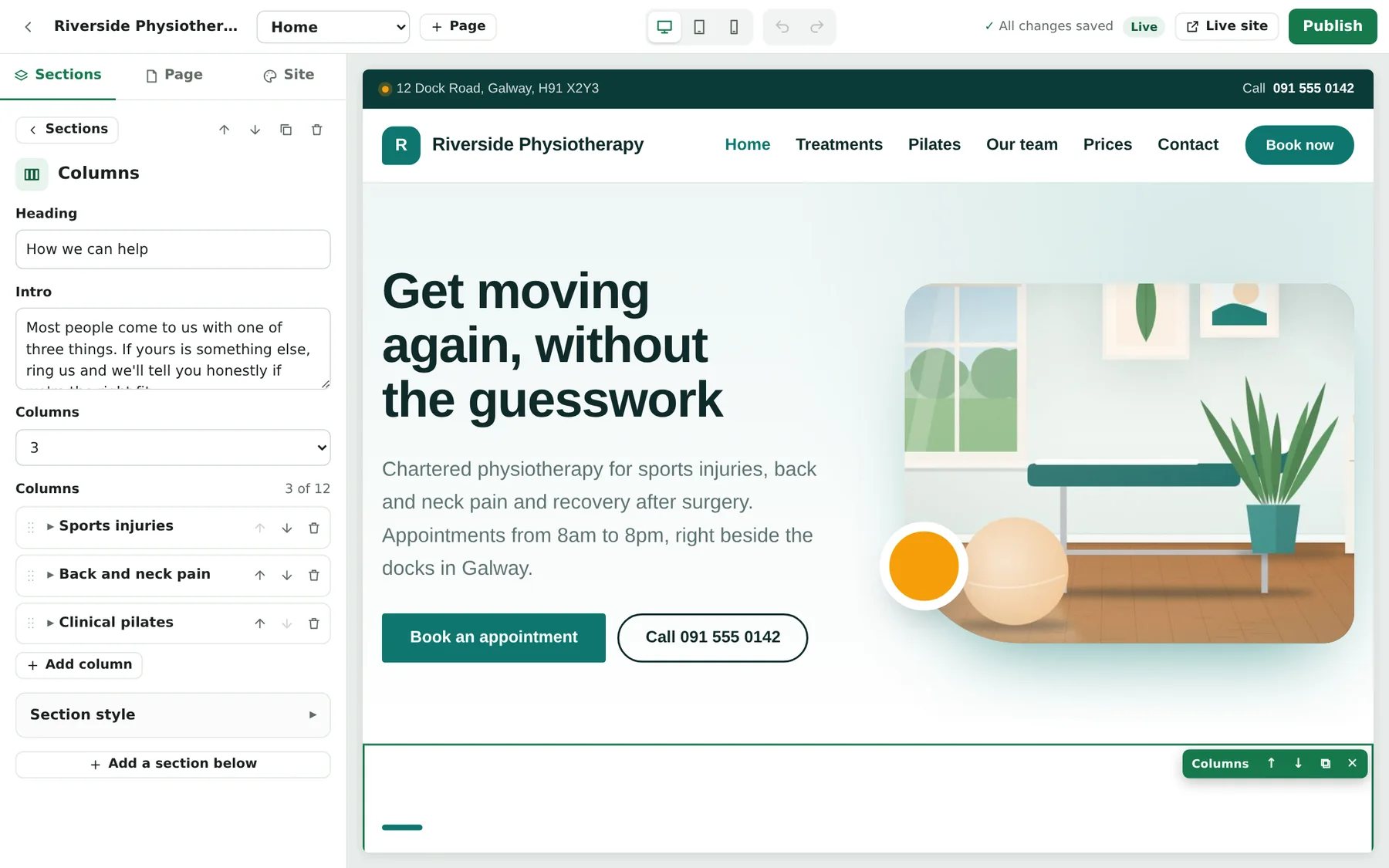
Case study: Pagician, orchestrated end to end
Pagician is our own website platform, and the clearest example of how we work. We designed it, then orchestrated AI tools and automated checks to build it, with our engineering experience setting the direction and reviewing every step.
- A complete product. 30 designs and 90 colour palettes, a live page designer, a shop with card payments and delivery, bookings, events, a blog with SEO tools and community classifieds.
- Checked at every step. Automated accessibility tests against WCAG 2.2 AA, SEO audits and privacy rules run on the designs, alongside our own review.
- Delivered in small releases. Each request becomes a tested release that installs on a computer or goes to web hosting by FTP.
We bring the same approach to your business: choose the right tools, set the guardrails, and stay accountable for the result.
Where our data experience comes from
This work comes from years inside businesses, running the systems the data comes from.
A group data warehouse
For a multinational food group in Ireland, the UK and Hungary, we built a group data warehouse alongside ERP analysis, Power BI and EDI services.
ERP data you can trust
Cleansing, mapping and trial migrations are part of every ERP project we run, so the reports add up from day one.
20 years in software
Software delivery and IT leadership at CTO and CIO level, so we understand both the numbers and the systems behind them.
AI and data questions
Do we need to buy AI tools first?
No. We start with what you already have, often Microsoft 365 or free versions of the main AI assistants, and tell you honestly whether a paid business plan is worth it for your team.
Is it safe to put customer details into ChatGPT or similar tools?
Not into free or personal accounts. Business plans can keep your data out of training and under a data processing agreement, but personal data should still only go in when you have a reason and a lawful basis. We help you set those rules and write them down.
Do you train on-site?
Yes, on-site or online. Small groups work best, and we build the exercises around your own tasks so people use what they learn the next morning.
Do we need Power BI?
Not always. Excel does a lot when it's set up well. Power BI makes sense when several people need the same dashboards, refreshed automatically from your systems. Microsoft licences are billed separately.
What access to our data do you need?
Only what the question needs, read-only where possible, and under a data processing agreement. When the work is done, our access is removed.